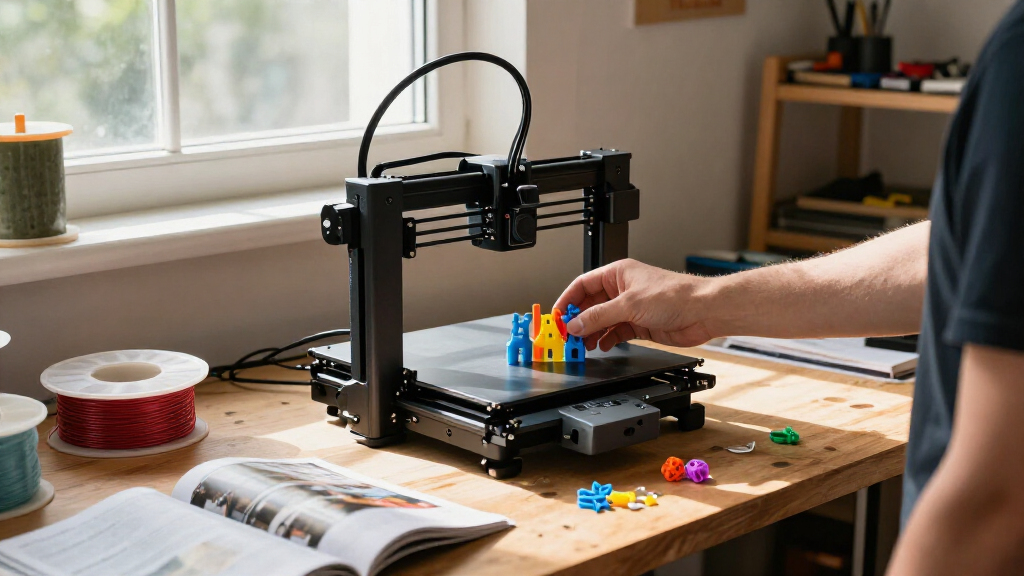

🔍 Read the full analysis: 10 Best 3D Printers For Multicolor Prototypes And Everyday Builds In 2027 on ThorstenMeyerAI.com

Get everyday essentials delivered free with Prime
- Fast, free delivery on millions of items
- Prime Video, Amazon Music and more included
- Member-only deals all year
TL;DR
ThorstenMeyerAI.com’s 2027 guide compares 10 3D printers for multicolor prototypes and everyday builds, ranking the Bambu Lab P2S Combo first as an all-around package. The picks span enclosed and open-frame designs, filament-switching and multiple-toolhead systems, and speed-focused models; the best fit depends on materials, workload, setup and tolerance for waste.
ThorstenMeyerAI.com’s 2027 buyer’s guide ranks 10 3D printers for multicolor prototypes and everyday builds, placing the Bambu Lab P2S Combo first for buyers seeking an enclosed printer with a multicolor material system in the same package. The comparison is an editorial assessment, not a report of a newly announced printer or independently verified performance test.
The guide’s recommendations distinguish printers by enclosure, material handling and intended use, rather than treating maximum speed or advertised color capability as a complete measure of value. It recommends the Bambu Lab A1 Combo as a more approachable hobbyist option and describes the Snapmaker U1 as notable for its four-toolhead system.
Its 10 picks are the Bambu Lab P2S Combo, Bambu Lab P1S, Bambu Lab P1S Combo, Bambu Lab A1, Bambu Lab A1 Combo, Snapmaker U1, Adventurer 5M, Kobra X, AD5X and K2 Combo. The supplied material does not provide a detailed, model-by-model specification table or numerical performance results, so these names and broad distinctions should not be read as a verified comparison of print speeds, prices or build volumes.
The guide says it weighed print-system design, material handling, enclosure, setup, expected maintenance and versatility. It gave added consideration to whether a multicolor package includes the hardware needed to handle multiple filaments, and separated enclosed CoreXY printers from open-frame models. Its ranking favors general-purpose usefulness, while acknowledging that a lower-ranked machine may suit a particular buyer better.
The 10 picks
- 1
 Snapmaker U1 3D Printer with 4-Toolhead and 5-Second Tool ChangerView on Amazon →
- 2
 Bambu Lab P2S Combo – P2S 3D Printer with AMS 2 Pro (Multi‑Color)View on Amazon →
- 3
 Bambu Lab P1S Combo 3D Printer with AMS – Multi‑Color PrintingView on Amazon →
- 4
 Creality K2 Combo 3D Printer, Multicolor Printing, Max 600mm/s Speed, Auto Le…View on Amazon →
- 5
 Bambu Lab A1 Combo + LED Lamp Kit (with AMS Lite)View on Amazon →
- 6
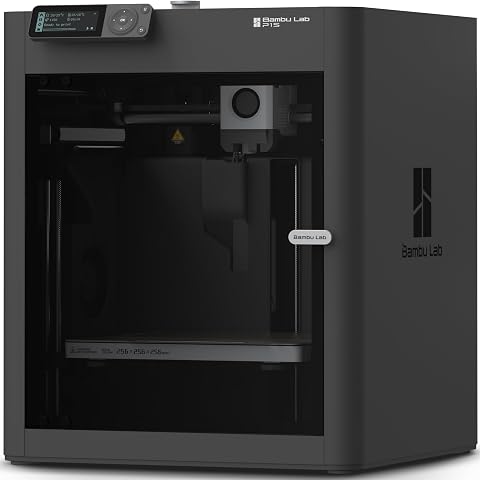 Bambu Lab P1S 3D PrinterView on Amazon →
- 7
 Anycubic Kobra X Multicolor 3D PrinterView on Amazon →
- 8
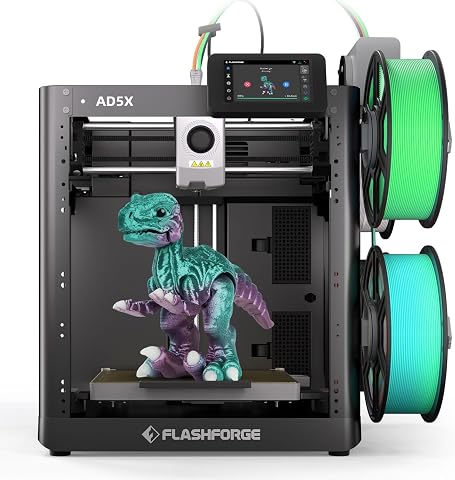 Flashforge AD5X Multi-Material 3D PrinterView on Amazon →
- 9
 Bambu Lab A1 FDM 3D PrinterView on Amazon →
- 10
 FLASHFORGE Adventurer 5M 3D Printer, All-Metal CoreXY, 600mm/s Max TravelView on Amazon →
Choosing a Printer Means Choosing a Workflow
The comparison matters to buyers because multicolor printing changes the ownership tradeoffs, not just the appearance of a finished part. Filament-switching systems and multiple-toolhead designs use different approaches; the guide advises comparing their workflows rather than choosing by color count alone. Frequent changes can add print time and purge waste, particularly when several colors appear across the same layers.
For mostly single-color functional parts, an automated multicolor package may add complexity without matching the buyer’s typical work. Enclosures also involve a practical decision: they can help manage drafts and temperature for some materials, but take up space and may require attention to ventilation. Matching those features to actual projects can matter more than buying the most elaborate machine in a ranking.
Speed figures need similar care. The guide cautions that maximum head movement is not the same as the time required to print a useful part at acceptable quality; geometry, layer height, material and cooling all affect results. That makes the article most useful as a shortlist by type of maker, not proof that one model is best for every buyer.
Products Worth Considering

Samsung Galaxy Tab A11+ 11-Inch Wi-Fi Tablet, 128GB, 6GB RAM, Silver

EcoFlow DELTA 3 Portable Power Station, 1024Wh, 1800W

Bose QuietComfort Headphones (2nd Gen), Wireless Noise-Cancelling Over-Ear Headphones, Black
As an affiliate, we earn on qualifying purchases.
How the Guide Separates Its Picks
The supplied review organizes the field around a few recurring choices: an enclosed CoreXY printer versus an open-frame machine, bundled multicolor hardware versus a standalone printer, and filament switching versus multiple toolheads. For that reason, it treats the P1S and P1S Combo as distinct choices: the former is positioned for buyers who want an enclosed printer without bundled multicolor hardware, while the latter adds an AMS package.
The same distinction appears between the Bambu Lab A1 and A1 Combo. The guide presents the A1 family as an accessible open-frame route for hobbyists whose materials and workspace suit that design. It also describes the Adventurer 5M as emphasizing fast CoreXY printing, while the Kobra X, AD5X and K2 Combo represent other approaches to multicolor printing.
According to the guide, the ranking order reflects its editorial judgment of well-rounded usefulness, followed by more specific strengths such as accessibility, speed or a particular material-handling system. It does not claim that the ranking is a controlled benchmark or that all 10 printers were evaluated under identical test conditions.
“The P2S Combo takes the lead for buyers seeking one package that combines an enclosed printer with an included multicolor material system.”
— ThorstenMeyerAI.com’s guide
What the Comparison Does Not Establish
The supplied source does not give the publication date, prices, complete specifications or measured test results for the 10 models. It also does not identify a shared testing protocol, so readers cannot use the ranking alone to establish comparative print quality, reliability, noise, speed or long-term maintenance costs.
Claims about which printer is “best” are the guide’s editorial judgments, not confirmed facts about every buyer’s needs. The source also leaves model-specific details about material compatibility, build volume and included accessories unspecified here. Buyers should check current product listings and manuals before making a purchase, since availability and package contents can vary.
Check Current Specs Before Buying
The next step for a buyer is to compare the models against typical materials, part size and project frequency, then verify current prices, package contents and compatibility with the intended filament system. Measure the workspace, including room for loading material and reaching the build plate; consider whether an enclosure suits the materials and ventilation available.
For multicolor work, compare the time and material overhead of filament switching with a four-toolhead workflow, and decide whether the results justify the extra setup. For speed claims, seek print examples or testing that reflects the buyer’s own parts and quality needs. The guide offers a starting shortlist, but the supplied material does not announce a later update or specify a forthcoming test.
Key Questions
Which printer does the guide rank first?
The guide ranks the Bambu Lab P2S Combo first, citing its enclosed printer and included multicolor material system. That is the publisher’s editorial recommendation, not a universal result.
What is the difference between the P1S and P1S Combo in the guide?
The P1S is presented as an enclosed printer without bundled multicolor hardware. The P1S Combo adds an AMS package for buyers who want that material-handling convenience.
Which options are described as more approachable for hobbyists?
The guide describes the Bambu Lab A1 Combo as a more approachable hobbyist choice and says the A1 family suits users whose materials and workspace fit an open-frame printer.
Does the ranking prove which printer prints fastest or most reliably?
No. The supplied source gives no shared benchmark results or reliability data. It says speed depends on factors such as geometry, layer height, material and cooling, so buyers should seek model-specific testing for those comparisons.
Is a multicolor printer worthwhile for single-color projects?
That depends on the buyer’s work. The guide says multicolor systems can add time, setup decisions and purge waste, so a simpler printer may better suit mostly single-color projects.
Source: ThorstenMeyerAI.com