
TL;DR

Get everyday essentials delivered free — and shop member deals
- Fast, free delivery on millions of items
- Access to Prime Big Deal Days deals on October 6–7
- Prime Video, Amazon Music and more included
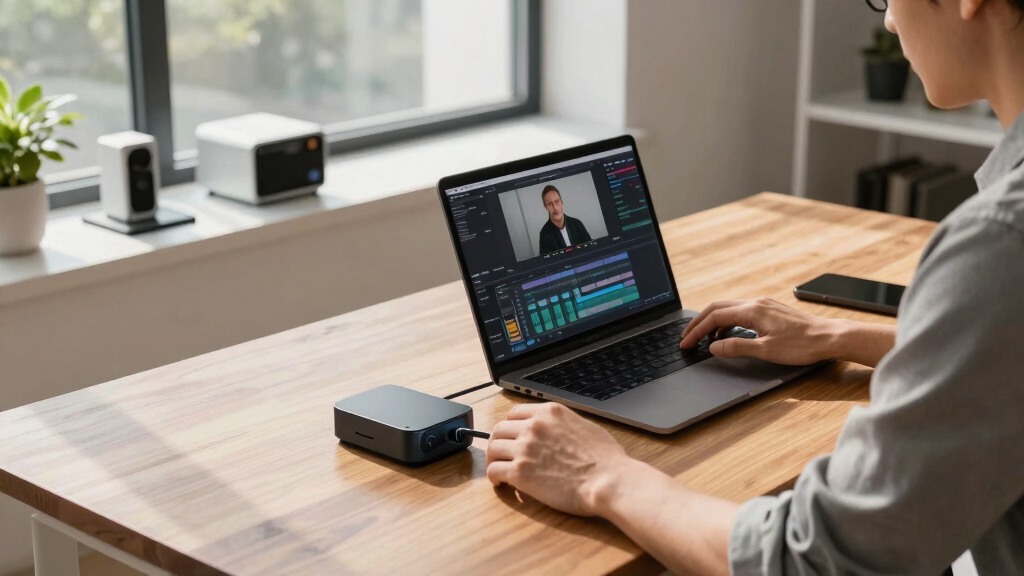
This article shows how a single video can generate an entire publishing kit—transcripts, clips, social posts, blogs—using local AI tools. It emphasizes privacy, control, and automation without cloud dependency. Expect real examples, comparisons, and practical tips.
Imagine turning a single video into a full suite of publish-ready assets—text, clips, social posts, blogs—without uploading a thing to the cloud. It’s not a fantasy; it’s now possible with local AI tools that process everything on your own hardware.
This approach changes the game for creators, agencies, and teams who value privacy, cost savings, and total control over their content workflow. No more subscription traps, no data leaks, just one powerful workflow that keeps everything on-site. Let’s explore how this works, what it produces, and why it might be the best choice for your next project.
Key Takeaways
- Local AI workflows produce a full publishing kit faster and more privately than cloud-based tools.
- Processing happens entirely on your hardware, giving full control over data and assets.
- A single video can generate transcripts, clips, social posts, blogs, and SEO metadata—saving hours of manual work.
- Human review remains essential to fine-tune and perfect AI drafts before publishing.
- Hardware requirements are modest—modern desktops with good GPUs handle most tasks comfortably.
As an affiliate, we earn on qualifying purchases.
How One Video Turns Into a Whole Publishing Kit—Step by Step
The process starts the moment you drop your video into the system. You get transcripts, scene markers, and topic summaries—quickly. Then, the AI analyzes visuals, detects scene cuts, reads on-screen text, and matches it all with spoken words. It’s like giving your video a detailed, structured map.
Next, the system drafts assets for every platform—titles, descriptions, social snippets, blog drafts, and clips—based on what’s most engaging. You review, tweak, and approve. The result? A bundle of assets, all ready for publishing or further editing, built entirely on your machine.
This workflow not only saves time but also ensures that the content you produce is tailored and optimized for each platform. The automation reduces manual effort, but human oversight remains critical to ensure accuracy and tone, especially when dealing with nuanced content or complex visuals. The tradeoff is between speed and control—automation accelerates delivery, but human review guarantees quality and brand consistency.

privacy-focused video transcription tools
As an affiliate, we earn on qualifying purchases.
As an affiliate, we earn on qualifying purchases.
What ‘Local-First’ Means for Your Content Workflow
‘Local-first’ means all processing happens on your own hardware—no reliance on cloud servers. Your videos, transcripts, and assets stay on your machine or local network. This approach offers faster turnaround, less lag, and complete control over your data.
For example, a solo creator editing sensitive content can avoid cloud storage risks. An agency managing confidential client material benefits from the privacy and security of on-prem processing. Plus, local AI tools often run faster because they aren’t waiting for internet speeds or cloud queues.
Beyond speed and privacy, local-first workflows also reduce dependency on external providers, which can be a significant advantage during outages or disruptions. This independence means your content pipeline remains operational regardless of internet status, giving you peace of mind and consistent access to your assets. However, it requires upfront hardware investment and some technical setup, which might be a barrier for non-technical users but offers long-term control and security benefits.

on-premise content creation software
As an affiliate, we earn on qualifying purchases.
As an affiliate, we earn on qualifying purchases.
Why Keeping Everything Off the Cloud Matters: Privacy & Control
Keeping your assets off the cloud isn’t just about privacy; it’s about ownership and sovereignty over your content. When your data resides solely on your hardware, you retain full control over its use, storage, and distribution. This means you’re not subject to third-party policies, potential data breaches, or service outages that could compromise your assets.
For instance, a newsroom with proprietary footage can process and publish content internally, safeguarding sensitive material from leaks or unauthorized access. This also means no reliance on third-party cloud services that might impose restrictions, change terms, or introduce additional costs over time. The tradeoff is that you need to manage your own security measures—like encryption and backups—but this investment pays off in peace of mind and legal security. Moreover, avoiding recurring cloud subscription costs can lead to significant savings, especially for high-volume content creators or organizations with strict confidentiality needs.

GPU-accelerated video editing hardware
As an affiliate, we earn on qualifying purchases.
As an affiliate, we earn on qualifying purchases.
Cost Comparison: Local Tools vs Cloud Subscriptions
| Aspect | Cloud-Based Tools | Local-First Workflow |
|---|---|---|
| Pricing Model | Monthly subscriptions, pay-per-use | One-time hardware investment, no recurring fees |
| Long-term Cost | Can add up to hundreds/month, potentially thousands annually | Lower over time after initial hardware purchase, especially for high volume |
| Data Exposure | Uploads to cloud, risk of leaks or breaches | Processing entirely local, minimal external exposure, better for sensitive content |
| Speed & Reliability | Dependent on internet connection and cloud server load | Faster, more consistent, no internet needed once set up |
For example, a creator investing in a high-performance desktop can process dozens of videos a month without recurring cloud fees, saving hundreds annually. This setup becomes especially advantageous as content volume grows, making local workflows more cost-effective and reliable over time, provided the initial hardware is properly chosen.

What Outputs Can You Expect from One Video?
From a single hour-long interview, you can get:
- A full transcript with speaker labels
- Chapter markers and timestamps
- A catchy title and description for YouTube
- Short clips for TikTok, Reels, Shorts — with auto-generated captions
- A blog draft summarizing key points
- Social media posts tailored for Twitter, Instagram, LinkedIn
- SEO metadata — tags, keywords, quotes
All of this is generated without uploading your video or data to any cloud server. You keep everything on your own hardware, ready to publish or tweak. The breadth of outputs means you can repurpose content efficiently, reaching different audiences with tailored assets. The comprehensive set of materials also helps maintain consistency across platforms and enhances discoverability, which is crucial for growing audiences or brand recognition.

Human Review & Editing — Why It Still Matters
AI does a lot, but your eyes and edits still matter. A transcript might need correction, or a clip might need trimming. The system provides editable drafts for every asset—titles, descriptions, snippets—so you can fine-tune before publishing. Human oversight ensures that tone, context, and accuracy are preserved, which is especially important for sensitive or nuanced content. This hybrid approach balances speed with quality, allowing creators to leverage automation without sacrificing control.
For example, auto-generated social captions might misinterpret sarcasm or specific jargon. A quick manual edit can correct these issues, ensuring your message hits the right tone and avoids miscommunication. The workflow’s flexibility means editing is straightforward, making it practical to refine outputs without extensive effort. This tradeoff—between automation and manual review—ultimately leads to higher-quality content that aligns with your brand and audience expectations.

Hardware & Setup — What Do You Need to Run This?
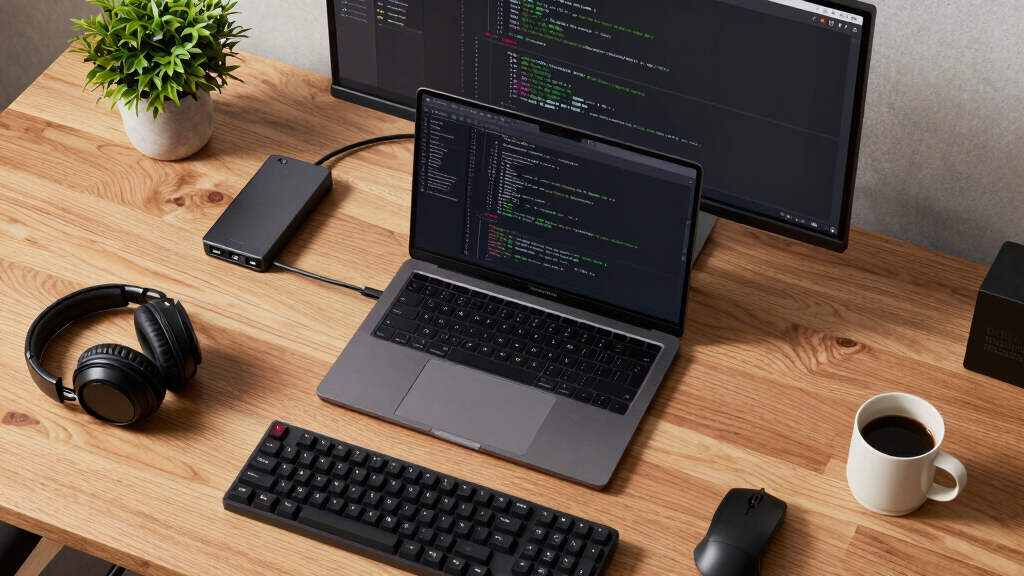
Running a local-first AI pipeline requires a decent machine—think a modern desktop with a dedicated GPU. For most creators, a machine with at least 16GB RAM and a mid-range GPU (like an NVIDIA RTX 3060) handles the workload comfortably.
Setup involves installing tools like ChannelHelm and some dependencies. Once configured, it’s a matter of dropping in videos and letting the system do the heavy lifting. No need for high-end servers unless you process dozens of videos daily. Ensuring your hardware meets minimum specs is crucial for smooth operation; underpowered systems may struggle with processing large files or multiple tasks simultaneously, leading to delays or failures. Proper setup and regular updates to your software environment help maintain performance and stability over time.
Limitations & When to Stick With Cloud Tools
Local AI isn’t perfect. Model accuracy varies, and slower hardware can cause delays—especially with complex or highly detailed videos. Tasks requiring real-time processing, such as live editing or immediate collaboration, may still benefit from cloud solutions that offer scalable resources and instant access to the latest models. For example, a documentary with multiple effects layers or a project needing rapid iteration might find cloud processing faster and more efficient. Additionally, cloud services often integrate seamlessly with other platforms, making workflows smoother when collaboration or external tools are involved. Recognizing these tradeoffs helps you decide when local workflows are best suited and when cloud solutions provide necessary flexibility and power.

Integrating and Exporting to Your Publishing Platforms
The package generated is versatile. You can export your clips and assets in formats compatible with YouTube, Instagram, TikTok, or your blog platform. Many tools support direct publishing or easy download for manual upload.
For instance, a vertical clip designed for TikTok can be exported as MP4 with captions embedded, ready for upload. Blog drafts can be exported as Markdown or HTML, making it easy to publish on various CMS platforms. The key advantage is that all assets are created and stored locally, giving you full control over the timing and manner of publication. This flexibility means you can schedule posts, batch uploads, or integrate with your existing publishing workflows seamlessly, without dependence on proprietary or cloud-based tools.
Frequently Asked Questions
What exactly comes out of one video?
From a single video, you get a transcript, scene markers, optimized titles and descriptions, social snippets, clips, SEO tags, and blog drafts—all generated on your own machine.
Does it really work offline, or is any cloud still involved?
It works entirely offline once set up. All processing happens locally, so you don’t need an internet connection for the core workflow—just initial setup and updates.
What hardware do I need to run it locally?
A modern desktop with at least 16GB RAM and a mid-range GPU like an NVIDIA RTX 3060 is enough for most tasks. Setup is straightforward, especially with open-source tools.
How accurate are the transcripts and content extraction?
Accuracy depends on your hardware and models used. While not perfect, recent open-source models deliver high-quality transcriptions and scene detection, with human review easy to do.
Yes, the system drafts SEO metadata, blog summaries, and social captions based on video content, ready for your review and publishing.
Conclusion
Choosing a local-first approach means you control every asset, cut costs, and keep your content private. It’s a smarter way to turn one video into a full publishing kit—faster, cheaper, and more secure.
As AI tools improve, this setup will become even more powerful, making content creation more autonomous and less dependent on cloud services. Are you ready to take control?

Fall Picks
fall essentials
As an affiliate, we earn on qualifying purchases.