
📊 Full opportunity report: Mac vs GPU Tower for Local LLMs: The Heat-and-Noise Tradeoff on ThorstenMeyerAI.com — validation score, market gap, and execution plan.

Get everyday essentials delivered free with Prime
- Fast, free delivery on millions of items
- Prime Video, Amazon Music and more included
- Member-only deals all year
TL;DR
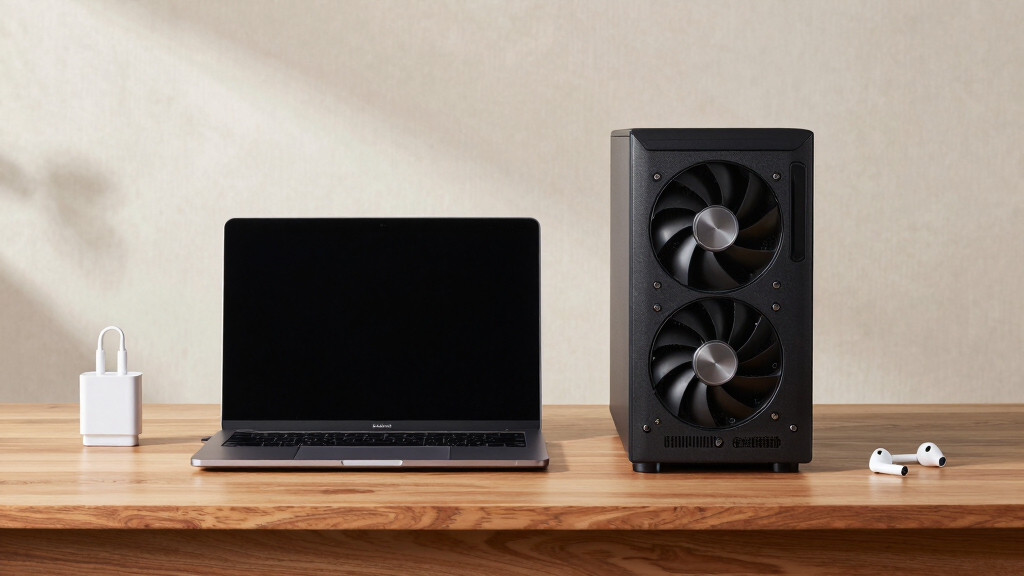
This article compares Mac Studio with Apple Silicon and GPU towers for running local large language models. The key difference lies in heat and noise: Macs are near-silent and low-power, while GPU towers offer higher throughput but generate significant heat and noise. The choice depends on model size, performance needs, and environmental considerations.
Apple Silicon Macs, such as the Mac Studio with M3 Ultra, are inherently quiet and low-power, contrasting sharply with GPU towers that produce significant heat and noise during intensive AI workloads. This fundamental difference influences choices for local large language model (LLM) deployment, especially for users prioritizing environmental comfort and maintenance simplicity.
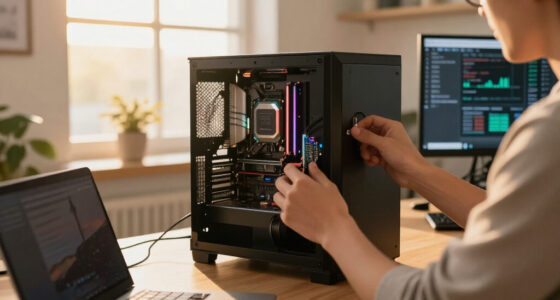
Recent comparisons highlight that GPU towers equipped with RTX 5090 or multiple GPUs deliver substantially higher memory bandwidth—up to 1,792 GB/s—resulting in faster inference speeds for models that fit within their VRAM (24–32GB per GPU). However, these towers consume high power (575–800W) and generate extensive heat, requiring complex thermal management and noise mitigation efforts.
By contrast, Apple Silicon Macs utilize a unified memory architecture, offering up to 512GB of shared memory, enabling them to run larger models (70B+ parameters) that cannot fit into GPU VRAM. Their power consumption is minimal, and they operate nearly silently, making them suitable for continuous, low-maintenance AI tasks. Performance for models within capacity is slower but still usable, especially for inference workloads.
Mac vs GPU tower
for local LLMs.
What if you sidestep the heat entirely with a different kind of machine? A tower is a high-bandwidth furnace you spend five levers quieting. Apple Silicon is near-silent by design — but asks for different tradeoffs. Match your priority in Part 2.
Put the loud, hot machine where its noise doesn’t matter, and the quiet one where you do. SSH into the tower when you need raw power; let the Mac handle everything else, silently.
Why Heat and Noise Are Critical for Local AI Setups
The choice between Mac and GPU tower impacts not just raw performance but also environmental comfort, operational costs, and maintenance complexity. For users running models that fit in VRAM, GPU towers maximize throughput but require ongoing thermal management and noise control. Conversely, Macs offer a quiet, energy-efficient alternative for large models, appealing to users who prioritize simplicity and low noise over peak speed.
This distinction influences deployment strategies in research labs, startups, and individual enthusiasts, affecting hardware longevity, energy bills, and workspace comfort.
Products Worth Considering

Logitech MX Master 4 for Mac, Ergonomic Bluetooth Mouse with Haptic Feedback, Ultra-Fast Scrolling, USB-C Charging, for MacOS, iPadOS, Windo

Apple AirPods Pro 3 Wireless Earbuds with Active Noise Cancellation

Apple iPad Air 11-inch (M2), 512GB, Wi-Fi, Space Gray
As an affiliate, we earn on qualifying purchases.
Architectural Differences in Memory and Thermal Design
The core difference lies in how each architecture handles memory and heat. GPU towers focus on high bandwidth, enabling rapid data transfer for models that fit in VRAM, but at the cost of high power draw and heat production. Apple Silicon prioritizes large, unified memory pools, allowing larger models to run at slower speeds but with minimal heat and noise. These fundamental design choices reflect different philosophies: raw speed versus simplicity and environmental friendliness.
Historically, GPU-based systems have dominated high-performance AI tasks, but recent advances in Apple Silicon challenge this dominance for specific workloads, especially larger models that cannot be accommodated by GPU VRAM.
"The heat-and-noise dimension that this whole cluster is about happens to be one of the sharpest differences between a GPU tower and a Mac."
— Thorsten Meyer
Unresolved Questions About Long-Term Reliability and Upgrades
It remains unclear how future GPU architectures or Apple Silicon updates will shift this balance, especially regarding larger memory pools, thermal management innovations, and software ecosystem improvements. Additionally, long-term reliability and maintenance costs of high-power GPU towers versus low-power Macs are still being evaluated.
Expected Hardware and Software Developments
Upcoming GPU releases with improved efficiency and larger VRAM options may reduce heat and noise concerns, while Apple Silicon's ongoing architecture improvements could further enhance large model support. Software ecosystem updates, including better multi-GPU scaling and AI frameworks, will influence the practical performance gap. Users should monitor these developments to inform their hardware investments.
Key Questions
Can a Mac Studio run large models faster with software updates?
While software improvements may enhance performance, the fundamental hardware limitations—such as memory bandwidth—mean Macs will likely remain slower than GPU towers for models that fit entirely within VRAM. Larger models beyond VRAM capacity will still benefit from the Mac's large unified memory, but at slower inference speeds.
Is noise a significant concern for GPU towers in a home or office setting?
Yes. GPU towers, especially multi-GPU setups, generate substantial heat and noise, requiring active cooling solutions and noise mitigation efforts. For environments where silence is valued, this can be a major drawback.
Will future GPU architectures reduce heat and noise issues?
Potentially. Advances in GPU efficiency, cooling technology, and power management may lessen thermal and acoustic burdens, but high-performance GPUs will likely remain power-hungry compared to Apple Silicon's low-power design.
Are Macs suitable for training large AI models?
Currently, Macs are more suited for inference or fine-tuning smaller models due to their memory capacity and bandwidth limitations. Large-scale training still favors GPU towers with high bandwidth and multi-GPU scaling.
What should I consider when choosing between a Mac and GPU tower for AI work?
Consider your model size, throughput needs, workspace environment, maintenance capacity, and budget. If model size exceeds GPU VRAM or silence and low power are priorities, a Mac may be preferable. For maximum speed on small to medium models, a GPU tower remains the top choice.
Source: ThorstenMeyerAI.com