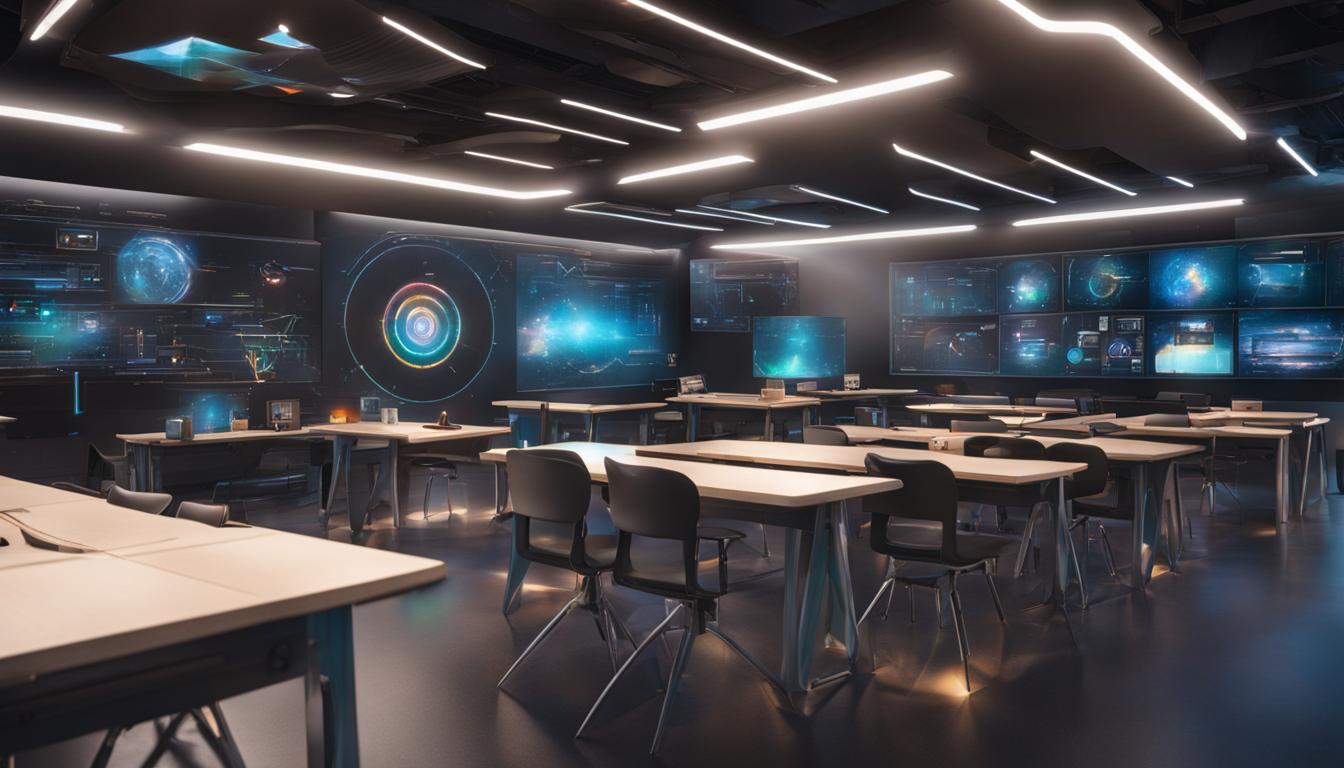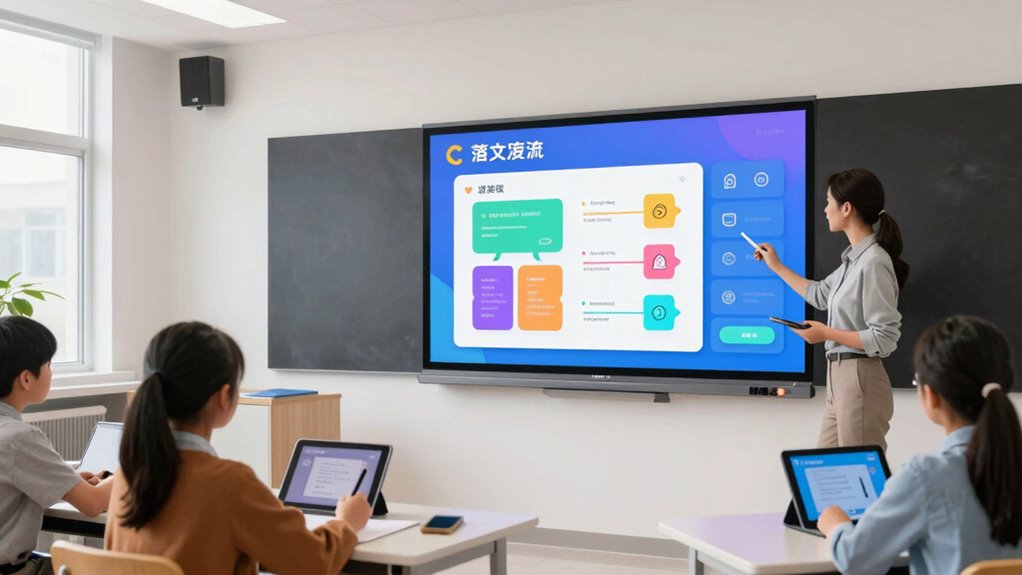

Interactive smart boards support modern teaching workflows by enabling you to engage students actively, fostering collaboration through digital contributions and multimedia content. They allow real-time assessment with quizzes and instant feedback, helping you adjust lessons instantly. You can easily organize and update lessons, saving time and promoting digital literacy. By integrating these tools, you’ll create inclusive, stimulating environments that prepare students for the digital future. Keep exploring to discover more ways these boards revolutionize your teaching approach.
Key Takeaways
- Facilitate real-time collaboration and multimedia integration to create dynamic, engaging lessons aligned with modern teaching practices.
- Enable instant feedback and assessment tools to quickly adapt instruction based on student responses.
- Centralize lesson planning materials, saving time and improving resource accessibility for streamlined delivery.
- Promote digital literacy and critical thinking skills through interactive activities and peer collaboration.
- Support inclusive, diverse learning environments by engaging students with various digital tools and multimedia content.
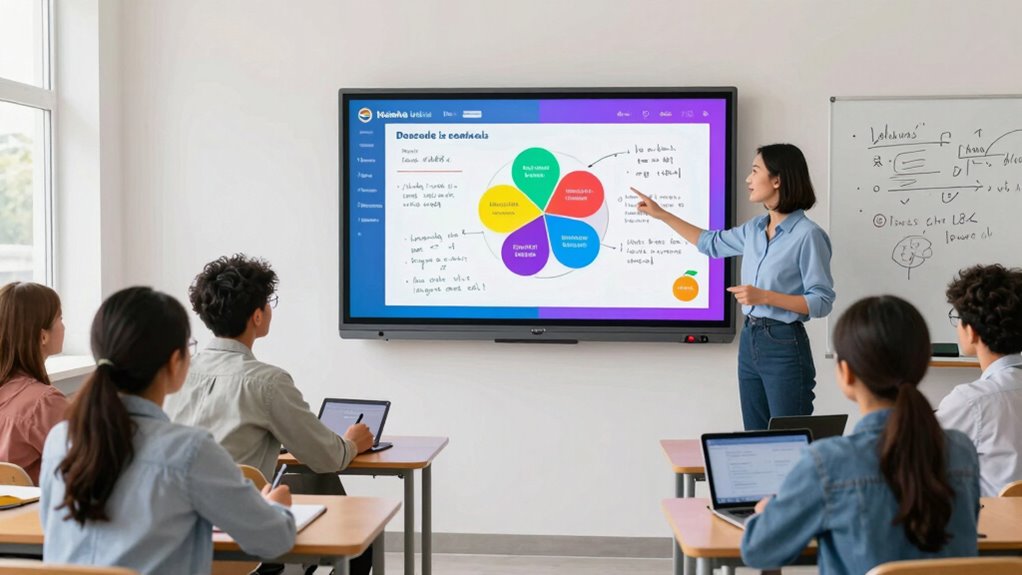
Have you ever wondered how technology is transforming the classroom experience? Interactive smart boards are a prime example of this shift, revolutionizing the way teachers deliver lessons and students participate. These boards foster digital collaboration, allowing students to engage directly with the material and with each other in ways that traditional chalkboards simply can’t match. With a smart board, you can display multimedia content, annotate in real-time, and seamlessly integrate online resources, making lessons more dynamic and interactive. This encourages students to move beyond passive listening and become active participants, which greatly boosts student engagement.
Interactive smart boards transform lessons, boost engagement, and foster collaboration through multimedia, real-time annotation, and online resource integration.
When you incorporate interactive smart boards into your teaching workflow, you notice how effortlessly they facilitate collaborative projects. Students can contribute ideas directly on the board, whether by drawing, typing, or manipulating objects, which makes group work more fluid and inclusive. This digital collaboration encourages diverse perspectives and fosters peer-to-peer learning. As students interact with the content and with each other, they develop critical thinking and communication skills that are essential for their academic growth. The immediate feedback from these interactions also helps you adjust your teaching strategies on the fly, ensuring that each student remains involved and motivated.
Moreover, smart boards streamline your lesson planning and delivery. Instead of switching between various tools or blackboards, you have a centralized platform where you can access and display multimedia, notes, and interactive activities. You can save and share your lessons digitally, making it easier to reuse and modify content for future classes. This efficiency frees up more time for direct student engagement and personalized instruction. You’ll also find that digital literacy is increasingly important for students, and integrating smart boards helps them develop these skills in a practical context. As you see students more engaged and actively participating, you realize how smart boards support your goal of creating a more inclusive and stimulating learning environment. Additionally, integrating modern tech like smart boards can help prepare students for a future where digital literacy is essential. Understanding how these tools work can also inspire students to explore other digital skills that will benefit them in their academic and professional lives.
Furthermore, smart boards make it easier to assess student understanding in real-time. You can incorporate quizzes, polls, or quick response activities that students complete directly on the board, providing instant insights into their comprehension. This immediate feedback loop helps you identify areas that need reinforcement and adapt your teaching accordingly. Incorporating interactive features can also make assessments more engaging and less intimidating for students. As more educators adopt these tools, they are discovering new ways to enhance classroom engagement and adapt to diverse learning styles, ensuring every student has the opportunity to succeed. Overall, using interactive smart boards in your classroom enhances both your workflow and your students’ learning experience. They make lessons more engaging, foster collaboration, and provide valuable tools for assessment and differentiation. As technology continues to evolve, smart boards stand out as essential tools for supporting modern teaching methods and preparing students for a digital future.
interactive smart board for classroom
As an affiliate, we earn on qualifying purchases.
As an affiliate, we earn on qualifying purchases.
Frequently Asked Questions
How Do Smart Boards Integrate With Existing Classroom Technology?
Smart boards seamlessly integrate with existing classroom technology through digital connectivity, allowing you to connect devices like laptops, tablets, and projectors effortlessly. This integration enables you to customize content easily, tailoring lessons to meet your students’ needs. You can access online resources, display multimedia, and control various tools directly from the smart board, creating a dynamic and interactive learning environment that enhances teaching workflows and engages students effectively.
What Training Is Required for Effective Smart Board Use?
You need to undergo teacher training and explore software tutorials to use smart boards effectively. These trainings teach you how to navigate the features, troubleshoot issues, and integrate interactive lessons seamlessly. Regular practice with tutorials helps you become confident in customizing activities, managing presentations, and engaging students. Investing time in proper training guarantees you maximize the smart board’s potential, enhancing your teaching workflow and student learning experiences.
Are Smart Boards Suitable for All Age Groups?
You’re probably wondering if smart boards suit all age groups. Studies show that 85% of educators find them effective across diverse learners. Age appropriateness varies, but smart boards adapt well to learning variability by offering interactive features tailored to different developmental stages. Whether in elementary or adult education, smart boards engage students, making lessons more dynamic and inclusive, ultimately supporting a wide range of age groups effectively.
How Do Smart Boards Impact Student Engagement?
Smart boards boost student engagement by making lessons more interactive through gamification strategies, which motivate learners and make content fun. You’ll notice students actively participating during collaborative learning activities, as they can manipulate content, share ideas, and work together seamlessly. This dynamic environment captures attention, encourages critical thinking, and fosters a sense of teamwork, all of which enhance overall engagement and make learning more effective and enjoyable for students.
What Maintenance Do Smart Boards Need Over Time?
You need to perform regular cleaning routines to keep your smart board functioning smoothly, like wiping screens and sensors to prevent dust buildup. Additionally, keep your software updated to guarantee security and access to new features. For example, a school that schedules weekly cleaning and updates notices fewer issues and experiences better device performance, demonstrating that consistent maintenance is essential for long-term usability and minimizing technical disruptions.
As an affiliate, we earn on qualifying purchases.
Conclusion
Embracing interactive smart boards is like opening a window to a vibrant world of learning. They turn traditional lessons into dynamic conversations, making education feel like an exciting journey rather than a chore. By integrating these tools into your teaching workflow, you’re planting seeds of curiosity and engagement that grow into a rich forest of understanding. So, don’t just teach—ignite passion and inspire your students to reach for the stars.
educational smart board with multimedia
As an affiliate, we earn on qualifying purchases.
As an affiliate, we earn on qualifying purchases.
interactive whiteboard for teachers
As an affiliate, we earn on qualifying purchases.
As an affiliate, we earn on qualifying purchases.