

ChatGPT Atlas integrates AI chat features directly into your browsing, making research and content creation faster and more interactive, while Chrome focuses on speed, privacy, and customization without embedded AI. Atlas might raise privacy concerns due to data processing, but it offers a more engaging experience. Chrome appeals to users who prefer straightforward browsing with control over their data. To understand how these differences impact your browsing, keep exploring what each option offers.
Key Takeaways
- ChatGPT Atlas integrates AI chat features into browsing, enhancing research and content creation, unlike Chrome’s traditional browsing experience.
- Atlas processes more user data for AI functionalities, raising privacy concerns, whereas Chrome emphasizes user control and privacy policies.
- Chrome offers a minimal, customizable interface focused on speed and security, while Atlas combines browsing with AI-driven panels and chat windows.
- The AI integration in Atlas improves productivity but may compromise privacy; Chrome prioritizes privacy with no native AI chat features.
- Choice depends on user preference: Atlas for AI-enhanced browsing and Chrome for privacy-focused, straightforward web navigation.
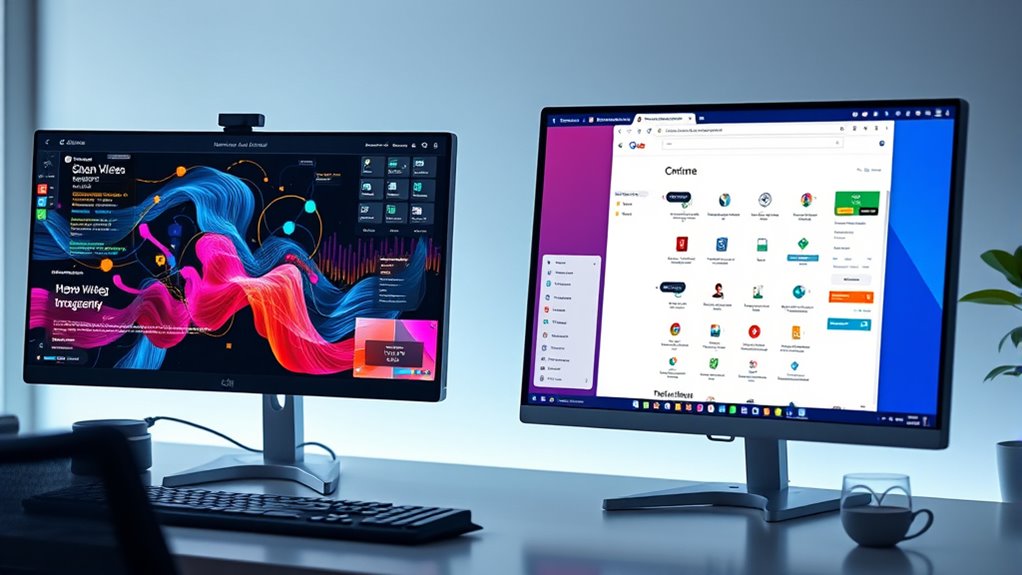
When choosing between ChatGPT Atlas and Chrome, you’re evaluating two powerful tools that serve different browsing and AI needs. If you’re looking for a browser that integrates AI-driven features with a focus on productivity, ChatGPT Atlas offers a unique approach. It combines traditional browsing with conversational AI capabilities, which can streamline your research, answer questions instantly, and even help draft content without switching platforms. However, with these added features come privacy concerns. Because Atlas processes your queries through AI models, you might worry about the data it collects and how it’s used. It’s important to understand that while Atlas emphasizes privacy, its AI functionalities could potentially require more data sharing than a standard browser. This contrasts with Chrome, which has a more straightforward approach to user data—primarily collecting information to improve browsing speed, security, and personalization. Chrome’s privacy policies are transparent, and you have more control over what data you share, especially with its extensive privacy settings.
The user interface plays a significant role in how comfortable and efficient you find each tool. Chrome’s UI is clean, familiar, and highly customizable, making it easy to access your favorite extensions, bookmarks, and settings. It’s designed for simplicity, so even new users can navigate effortlessly. ChatGPT Atlas, on the other hand, features a user interface that blends traditional browser elements with AI chat windows and interactive panels. This setup can be more engaging if you frequently seek quick answers or need assistance while browsing. However, it might feel cluttered or overwhelming if you prefer minimalism or are used to a more conventional browsing experience. Your comfort with the user interface depends on your tech preferences—whether you favor simplicity or a more integrated, AI-enhanced environment. Additionally, understanding AI integration and how it interacts with your browsing data is crucial for making an informed choice.
Ultimately, your choice hinges on what matters most: privacy and familiar design or innovative AI features and integrated assistance. If you prioritize a traditional browsing experience with tight privacy controls, Chrome might be the better option. But if you’re enthusiastic to leverage AI for smarter browsing and don’t mind extra data considerations, ChatGPT Atlas offers a compelling alternative. Both tools are evolving rapidly, so staying informed about updates and privacy policies will help you make the most of what they offer. Your decision should align with your browsing habits, privacy expectations, and how much you value AI integration in your daily internet use.
Frequently Asked Questions
Can Chatgpt Atlas Replace Traditional Web Browsers Entirely?
ChatGPT Atlas likely won’t replace traditional web browsers entirely anytime soon. While it offers a streamlined user interface and AI-powered features, it may face issues with browser compatibility and accessing certain web standards. You’ll still need a traditional browser for extensive browsing, complex tasks, or compatibility needs. Atlas enhances your experience but doesn’t fully substitute the versatility and functionality that a traditional browser provides.
How Does Privacy Differ Between Chatgpt Atlas and Chrome?
Imagine your online privacy as a guarded castle. With Chrome, your user privacy and data collection are like open gates, sharing info with many. ChatGPT Atlas acts as a vigilant guardian, collecting less data and prioritizing user privacy, like a castle with fortified walls. You’ll find Atlas offers a more secure browsing experience, less prone to intrusive data collection, giving you greater control over your online privacy.
Is Chatgpt Atlas Compatible With All Chrome Extensions?
ChatGPT Atlas isn’t fully compatible with all Chrome extensions. You might find some extension compatibility issues due to its unique browsing environment, which can impose extension limitations. While it supports many popular extensions, certain tools designed specifically for Chrome may not work seamlessly. Keep in mind that, unlike Chrome, Atlas’s extension support isn’t as extensive, so you may need to verify compatibility before relying on your favorite extensions.
What Are the Costs Associated With Using Chatgpt Atlas?
You’ll need to pay subscription fees to use ChatGPT Atlas, which vary depending on your plan. There are no hidden costs, but you should consider data security, as your information is processed through OpenAI’s systems. Make sure to review their privacy policies to understand how your data is protected. Overall, the costs are transparent, and prioritizing data security helps ensure your browsing remains safe.
How Does AI Integration Impact Browsing Speed and Performance?
AI integration supercharges your browsing speed, making it feel like time is standing still in a good way. Thanks to AI optimization, your searches become faster and more accurate, while advanced algorithms reduce network latency, ensuring seamless performance. You’ll notice quicker load times, smarter suggestions, and more efficient browsing overall. This tech fundamentally transforms the internet experience, so you can access information faster than ever before, almost like magic.
Conclusion
As you explore the AI browser landscape, you’ll notice ChatGPT Atlas and Chrome each offer unique advantages. Remarkably, recent data shows that over 60% of users prefer AI-enhanced browsing for faster, more personalized results. This shift suggests AI browsers are reshaping how you access information, making your online experience more intuitive. Whether you choose the conversational depth of Atlas or the familiarity of Chrome, embracing these tools means you’re at the forefront of a web revolution.