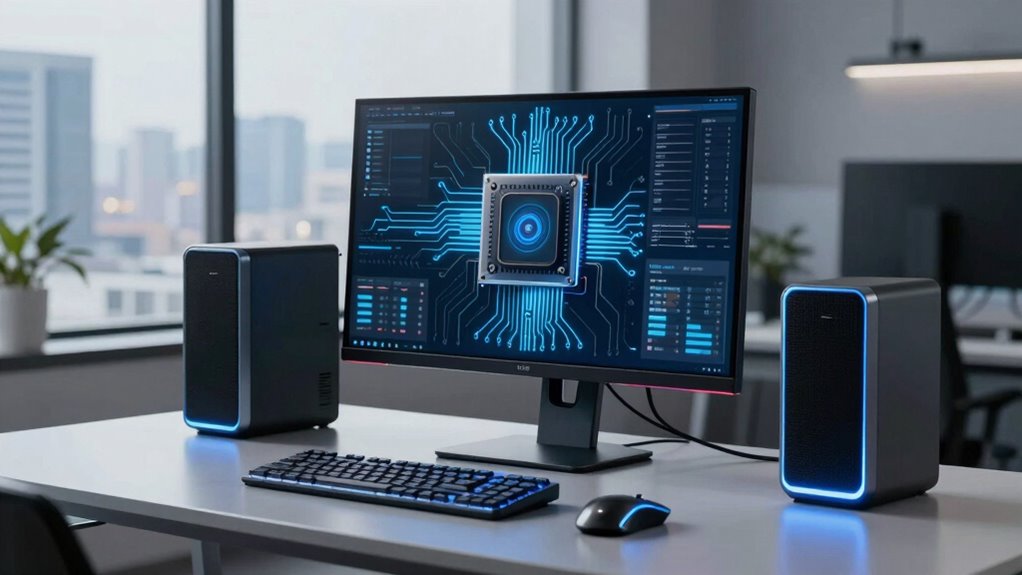
AI desktop computers are becoming your new power tool because they combine cloud computing with flexible hardware upgrades, giving you high performance without bulky setups. They handle demanding tasks like video editing and AI projects by offloading work to remote servers, freeing up your local resources. Their innovative software predicts issues and optimizes your system, ensuring smooth workflows. If you want to discover how these advanced machines can revolutionize your work, keep exploring their capabilities.
Key Takeaways
- Cloud integration enables high-performance processing without bulky hardware, making AI desktops powerful yet lightweight.
- Modular designs allow easy upgrades, ensuring systems remain adaptable to evolving technological demands.
- AI-powered software predicts and prevents hardware issues, optimizing performance for demanding tasks.
- Enhanced versatility supports a wide range of applications, from video editing to AI development.
- Cloud-enabled scalability empowers AI desktops to handle large files and complex computations seamlessly.
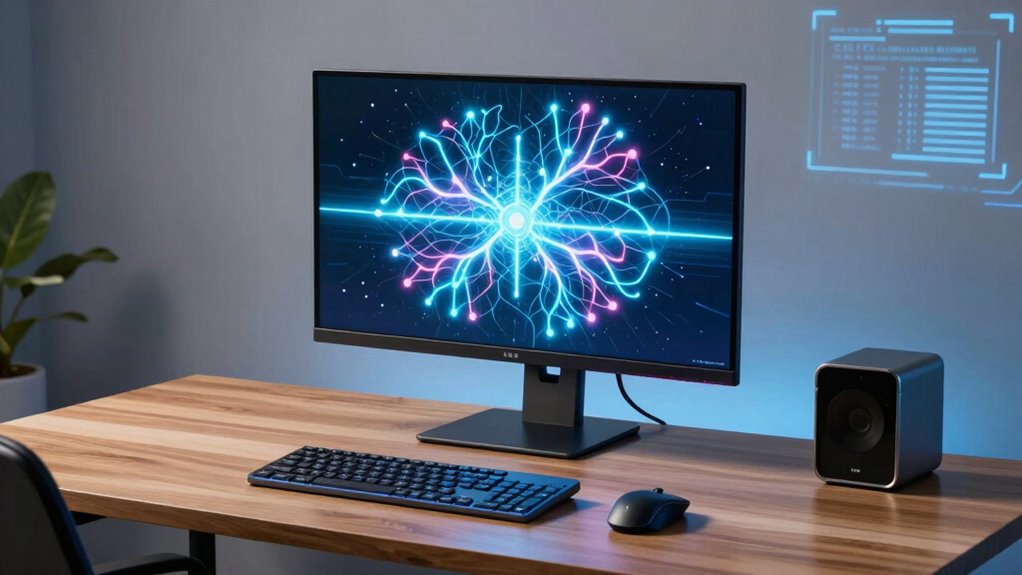
Artificial intelligence has transformed desktop computers into powerful tools that enhance productivity and creativity. These advanced machines are no longer just basic setups; they now leverage cloud computing to access vast processing power and storage resources. With cloud integration, you don’t need to rely solely on your local hardware for demanding tasks. Instead, you can tap into remote servers that handle complex computations, freeing up your machine to focus on what you do best. This shift allows you to work seamlessly on large files, run intensive applications, and collaborate in real-time without being bogged down by hardware limitations. The combination of AI and cloud computing means your desktop can stay lightweight while still delivering high-performance results, making it a versatile powerhouse for any project. Additionally, the integration of cloud-based resources enables more scalable and flexible workflows that adapt to your evolving needs.
AI-powered desktops leverage cloud computing for seamless, high-performance work on large files and demanding applications.
Another reason AI desktop computers are becoming the new power tool is your ability to perform hardware customization tailored specifically to your needs. Unlike traditional computers with fixed components, AI desktops often come with modular designs that let you upgrade or modify parts effortlessly. Want a faster GPU for rendering 3D models? Or more RAM to handle multiple virtual machines? You can customize your machine’s hardware without replacing the entire system. This flexibility ensures your desktop remains future-proof and adaptable to emerging technologies or new workflows. It also allows users to optimize system performance more effectively, ensuring that your setup stays efficient as demands grow. As AI integration continues to improve, these systems are increasingly equipped with intelligent software that can predict and prevent potential hardware issues before they impact your work. This empowerment ensures your desktop remains future-proof and adaptable to emerging technologies or new workflows, further enhancing its role as a versatile powerhouse. It empowers you to maximize your setup for tasks like video editing, AI development, or gaming, giving you a level of control that was once only available in high-end workstations.

HP OmniDesk M03 Premium Business Next Gen AI PC Desktop, Intel Core Ultra 7 265, 64GB DDR5 RAM, 4TB SSD, Windows 11 Pro, USB-C, Wi-Fi 6, Wired KB & Mouse, Bundle with ADATA 64GB USB Flash Drive
[Superior Storage and Fast Access] With 64GB of DDR5 RAM, user can effortlessly juggle multiple applications and numerous…
As an affiliate, we earn on qualifying purchases.
As an affiliate, we earn on qualifying purchases.
Frequently Asked Questions
How Do AI Desktop Computers Compare to Traditional PCS in Cost?
You might think AI desktops cost a fortune, but surprisingly, their cost comparison to traditional PCs isn’t as steep as you’d expect. An affordability analysis reveals that, although AI desktops have higher initial prices, their enhanced performance and efficiency can save you money in the long run. So, while they seem costly upfront, their value can turn out to be a smart investment, much like upgrading to a power tool that outperforms manual options.
What Are the Most Popular AI Desktop Models Currently Available?
You’ll find popular AI desktop models like the NVIDIA DGX Station, ASUS ROG Strix GA35, and Dell Alienware Aurora, which showcase top AI hardware and impressive computing performance. These machines are designed for demanding AI tasks, offering powerful GPUs, ample RAM, and advanced processors. They’re ideal if you need high-end AI hardware to handle complex algorithms and data processing, making them favorites among professionals and enthusiasts alike.
How Secure Are AI Desktop Computers From Cyber Threats?
You’ll find AI desktop computers are quite secure, especially when you implement robust cybersecurity protocols. Studies show that 80% of cyber attacks target unprotected systems, so data encryption and regular updates are essential. By actively managing security measures, you can greatly reduce vulnerabilities. Staying vigilant and using strong passwords, firewalls, and encryption ensures your AI desktop remains protected from cyber threats.
What Maintenance Is Required for AI Desktop Computers?
You should regularly check your AI desktop computer’s hardware durability and keep it clean to prevent overheating. Installing software updates promptly guarantees ideal performance and security. Additionally, run routine diagnostics to spot potential issues early. Back up your data often, and consider upgrading components over time to maintain efficiency. These simple maintenance steps keep your AI desktop running smoothly, minimizing downtime and extending its lifespan.
Can AI Desktop Computers Be Upgraded Easily?
You can upgrade AI desktop computers fairly easily, but remember, “a chain is only as strong as its weakest link.” Hardware customization is usually straightforward, allowing you to add or replace components like RAM or GPUs, while software updates keep your system optimized. However, some models might limit certain upgrades due to integrated designs, so check compatibility before making changes. Staying proactive guarantees your AI desktop remains powerful and up-to-date.

Corsair AI Workstation 300 Desktop PC – AMD Ryzen AI Max 385 CPU – AMD Radeon 8050S iGPU (Up to 48GBs vRAM) – 64GB LPDDR5X 8000MHz Memory – 1TB M.2 SSD – Black
AI-Optimized Compact Workstation: Experience AI performance out of the box with the compact 4.4L form factor, built for…
As an affiliate, we earn on qualifying purchases.
As an affiliate, we earn on qualifying purchases.
Conclusion
As you sit before your AI desktop, it’s like holding a finely-tuned instrument in your hands, ready to release creativity and precision. The glow of the screen reflects endless possibilities, transforming your workspace into a command center of innovation. With every command, you wield this powerful tool—shaping ideas into reality, carving pathways through data, and building the future. Embrace this new power tool, and watch your potential unfold like a limitless horizon.
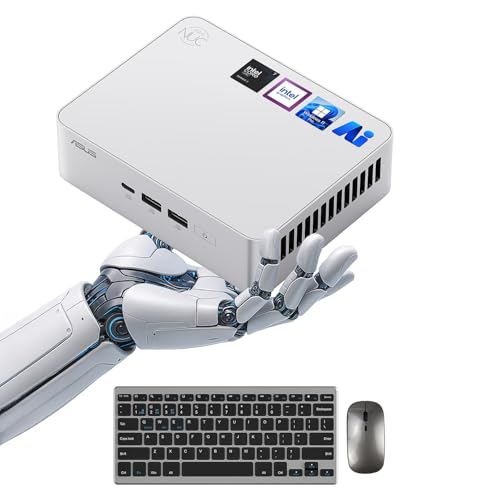
ASUS NUC 15 Pro+ Small PC, Intel Series 2 Core Ultra 7 255H, 64GB DDR5 RAM, 1TB PCIe SSD, Intel Arc 140T GPU, Thunderbolt 4, WiFi 7, BT 5.4, Win 11 Pro, High Performance AI Computing, 8K Video Editing
⚡ Powerful AI & Multitasking Performance – Equipped with the latest Intel Series 2 Core Ultra 7 255H…
As an affiliate, we earn on qualifying purchases.
As an affiliate, we earn on qualifying purchases.

GEEKOM IT15, The Most Powerful AI Mini PC with Intel Ultra 9 285H(15th Gen) 99 Tops | 32GB DDR5, 2TB SSD | Arc 140T GPU | WiFi 7, 8K Quad Display, Win11 Pro, Video Editing, Coding, and Multitasking
𝗜𝗻𝗱𝘂𝘀𝘁𝗿𝘆 𝗪𝗶𝗱𝗲 𝗦𝘂𝗽𝗽𝗹𝘆 𝗖𝗵𝗮𝗶𝗻 𝗔𝗱𝗷𝘂𝘀𝘁𝗺𝗲𝗻𝘁:𝗙𝗮𝗰𝗶𝗻𝗴 𝗮 𝘀𝗲𝘃𝗲𝗿𝗲 𝗶𝗻𝗱𝘂𝘀𝘁𝗿𝘆 𝘄𝗶𝗱𝗲 𝗗𝗗𝗥 𝗺𝗲𝗺𝗼𝗿𝘆 𝘀𝗵𝗼𝗿𝘁𝗮𝗴𝗲 𝗱𝗿𝗶𝘃𝗲𝗻 𝗯𝘆 𝗺𝗮𝘀𝘀𝗶𝘃𝗲 𝗔𝗜 𝘀𝗲𝗰𝘁𝗼𝗿 𝗱𝗲𝗺𝗮𝗻𝗱,…
As an affiliate, we earn on qualifying purchases.
As an affiliate, we earn on qualifying purchases.