
📊 Full opportunity report: Build vs Buy a Prebuilt AI Workstation on ThorstenMeyerAI.com — validation score, market gap, and execution plan.

Get everyday essentials delivered free with Prime
- Fast, free delivery on millions of items
- Prime Video, Amazon Music and more included
- Member-only deals all year
TL;DR
In 2026, the traditional cost advantage of building your own AI workstation has diminished due to component shortages and price spikes. Buyers now face a complex trade-off involving cost, time, thermal tuning, and control. Both options have unique benefits, and the decision depends on individual needs and priorities.
In 2026, the long-standing rule that building your own AI workstation is cheaper than buying prebuilt no longer holds true, as component shortages and price spikes have made DIY builds more expensive than many prebuilt options.
Traditionally, building a custom AI workstation was the cost-effective choice, with enthusiasts and professionals sourcing parts like GPUs, RAM, and SSDs individually. However, recent market disruptions caused by the AI boom have driven up prices for key components such as DDR5 RAM, high-end GPUs, and SSDs, making DIY builds more costly—often exceeding $1,250 before software licenses.
Meanwhile, prebuilt vendors like BIZON, Puget Systems, and Lambda have secured bulk component purchases before shortages and price hikes, allowing them to offer systems at competitive prices that are difficult to match through individual sourcing today. These prebuilt systems often undergo extensive thermal validation, burn-in testing, and cooling optimization, with warranties ranging from 3 to 5 years, providing a lower-risk, plug-and-play solution for professionals and enterprises.
The core difference now lies in who pulls the thermal and performance levers. Vendors handle thermal tuning, fan curve optimization, and cooling solutions—sometimes including water cooling—ensuring quieter, cooler operation under sustained load. DIY builders, on the other hand, must manually select and tune components, which requires technical expertise but offers precise control and upgradeability.
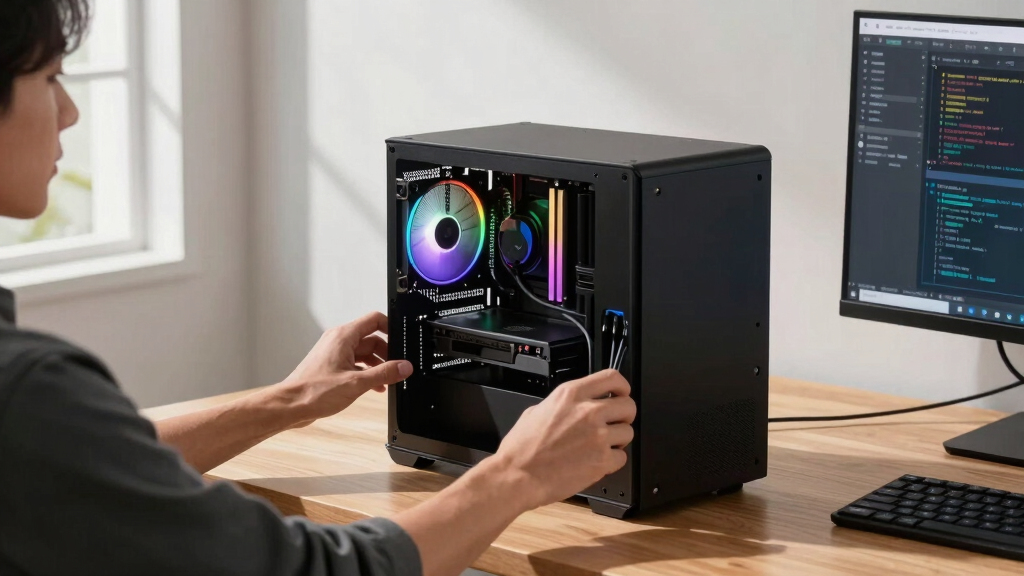
Build vs buy
an AI workstation.
The real question behind this whole series: do you pull the five heat-and-noise levers yourself, or buy a prebuilt where the vendor pulled them for you? And in 2026, the old “building is cheaper” rule has broken. Match your situation in Part 3.
Implications of Market Changes on Build vs Buy Decisions
The shift in pricing dynamics fundamentally alters the traditional calculus of whether to build or buy an AI workstation. For professionals and organizations, this means re-evaluating cost, risk, and time investments. Prebuilt systems now often provide better thermal performance, validated reliability, and faster deployment, which can justify higher upfront costs. For hobbyists and enthusiasts, the decision hinges more on control, customization, and learning, as DIY remains a viable option for those with the time and expertise. Overall, the choice is now a nuanced trade-off rather than a straightforward cost-saving decision.
Products Worth Considering

Bose QuietComfort Wireless Noise-Cancelling Over-Ear Headphones, Black

Jackery Explorer 300 Portable Power Station with 40W Solar Panel

Amazon Kindle Paperwhite (12th Generation, 2024), 16 GB, 7-inch Display, Jade
As an affiliate, we earn on qualifying purchases.
2026 Market Disruptions and Component Shortages
Over the past year, the AI hardware market has experienced significant upheaval due to the AI boom, leading to shortages and price hikes for critical components like DDR5 RAM, high-end GPUs, and SSDs. Bulk purchasing by large vendors before these spikes has allowed them to offer systems at prices that are increasingly hard for individual builders to match. Historically, DIY builds were cheaper because of lower component costs, but this advantage has eroded amid market volatility and supply constraints.
Additionally, the rise of specialized prebuilt vendors that validate thermal performance and offer comprehensive warranties has shifted the landscape, making prebuilt options more attractive for professional use cases. The ongoing market conditions mean that the cost differential between building and buying is no longer predictable and varies based on configuration and timing.
"In 2026, component shortages and price spikes have made building your own AI workstation more expensive than many prebuilt options, overturning a decades-old rule."
— Thorsten Meyer, founder of ThorstenMeyerAI.com
Unresolved Factors in Build vs Buy Choices
It remains unclear how long the current market conditions will persist, affecting component prices and availability. The actual cost advantage of prebuilt systems over DIY builds may fluctuate as supply chain dynamics evolve. Additionally, the long-term reliability and thermal performance of custom-built rigs depend heavily on individual expertise and tuning, which can vary widely. The impact of upcoming hardware releases and potential price adjustments by vendors is also still uncertain.
Future Market Trends and Decision Factors
In the coming months, market analysts expect continued volatility in component prices and availability. Buyers should closely monitor vendor offerings, component costs, and their own technical capacity. For organizations, evaluating total cost of ownership—including potential downtime and warranty coverage—will be crucial. Hobbyists and enthusiasts should consider their willingness to invest time in assembly and tuning, as well as the possibility of future upgrades. Both sides should prepare for a shifting landscape where the traditional advantages of DIY or prebuilt systems may evolve further.
Key Questions
Is building my own AI workstation still cheaper in 2026?
Not necessarily. Due to recent market disruptions, prebuilt systems often match or beat DIY costs for comparable configurations, especially when considering validated thermal performance and warranty support.
What are the main advantages of prebuilt AI workstations now?
Prebuilt systems offer plug-and-play convenience, validated thermal management, comprehensive warranties, and reduced setup time, which can be valuable for professionals and enterprises.
Can I upgrade a prebuilt AI workstation later?
Yes, many prebuilt systems are designed with upgradeability in mind, but the extent varies by model. It’s important to check vendor specifications and upgrade policies.
What should hobbyists consider when building their own AI rig now?
Hobbyists should weigh their technical skills, the potential cost savings, and the value of customization and learning against the increased complexity and current high component prices.
How long will current market conditions last?
It is uncertain; market volatility depends on supply chain recovery, hardware demand, and AI industry growth. Buyers should stay informed and be flexible in their planning.
Source: ThorstenMeyerAI.com