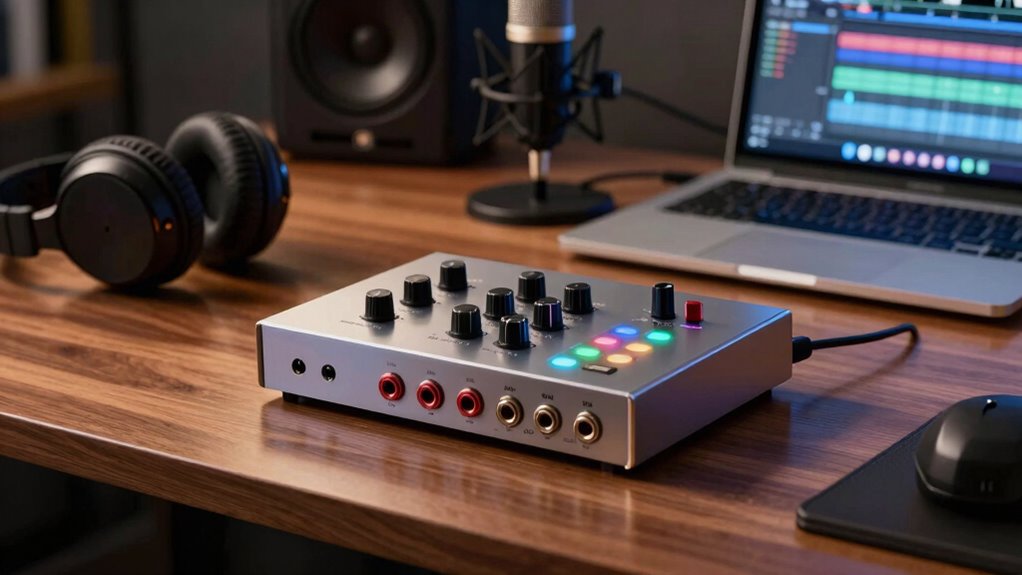
USB audio interfaces improve your professional recording setup by offering high-quality converters that guarantee clear, natural sound with low latency. They make connecting microphones and instruments easy, reducing delays and allowing real-time monitoring. With multiple inputs and seamless signal routing, they streamline your workflow. These features help you produce professional-quality recordings efficiently. If you keep exploring, you’ll discover more ways to optimize your setup and get the best sound possible.
Key Takeaways
- USB audio interfaces provide low-latency monitoring for real-time recording and overdubbing.
- They ensure high-quality analog-to-digital conversion for clear, natural sound capture.
- Flexible input options allow seamless integration of instruments and digital devices.
- Proper signal routing and high-quality converters maintain signal integrity and reduce technical issues.
- Simplified setup and enhanced workflow boost efficiency in professional recording environments.
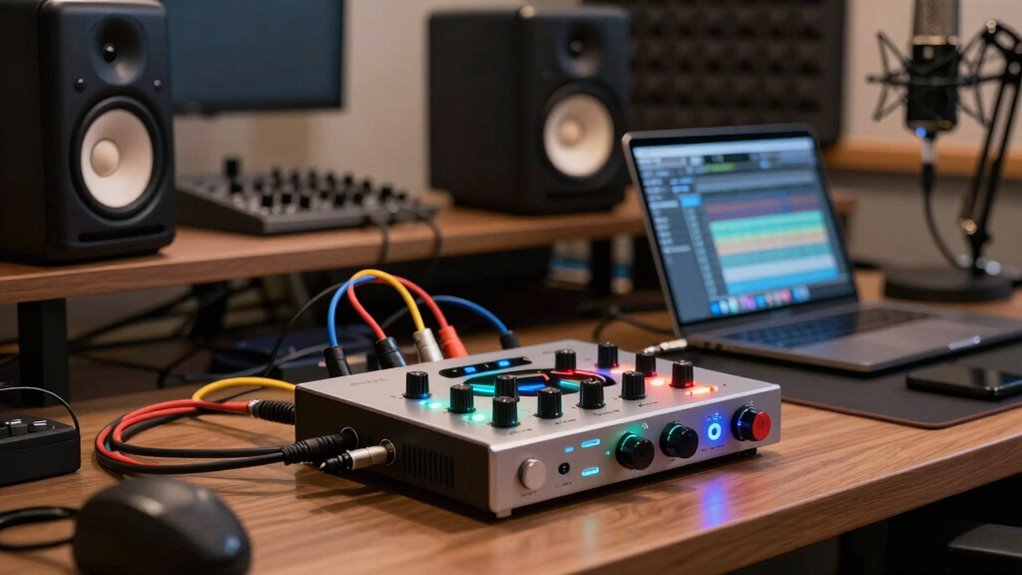
If you’re looking to capture high-quality sound, USB audio interfaces are fundamental tools that connect your instruments or microphones to your computer effortlessly. They serve as the bridge between your analog signals—like your guitar, vocals, or keyboard—and your digital recording environment. One key benefit is their ability to handle both analog and digital signals seamlessly, allowing you to choose between analog versus digital inputs depending on your setup. Analog inputs preserve the warmth and natural tone of your instruments, which many musicians prefer for their recordings. Digital inputs, on the other hand, can be useful when you’re working with digital instruments or MIDI controllers.
A significant advantage of modern USB audio interfaces is their focus on latency reduction. When you’re recording or monitoring your audio, latency—the slight delay between playing a note and hearing it through your speakers—can be distracting and hinder your performance. Many interfaces are optimized to minimize this delay by processing the audio efficiently. This means you can record, overdub, and monitor in real time without noticeable lag, which is essential for maintaining timing and feel in your performance. High-quality converters play a crucial role in achieving low latency and clear sound. Additionally, understanding the distinction between analog and digital signals can help you make better choices to match your recording goals and equipment. Recognizing the importance of signal quality can guide you toward selecting an interface that offers the best performance for your specific needs. Moreover, selecting the right interface can also influence your overall workflow and ease of use, making your recording sessions more efficient and enjoyable. Ensuring proper signal routing within your setup further enhances your recording process and reduces potential issues.

Focusrite Scarlett Solo 3rd Gen USB Audio Interface for Guitarists, Vocalists, Podcasters or Producers to record and playback studio quality sound
Pro performance with great pre-amps – Achieve a brighter recording thanks to the high performing mic pre-amps of…
As an affiliate, we earn on qualifying purchases.
As an affiliate, we earn on qualifying purchases.
Frequently Asked Questions
Can USB Audio Interfaces Connect to Smartphones or Tablets?
Yes, you can connect USB audio interfaces to smartphones or tablets. Many interfaces support mobile connectivity through compatible OTG (On-The-Go) adapters or cables, ensuring device compatibility. Just check that your device’s operating system and hardware support the interface, and you may need a power source for some setups. This setup allows you to record high-quality audio directly onto your mobile device, making it perfect for on-the-go recording sessions.
Do All USB Audio Interfaces Support Multi-Channel Recording?
Most USB audio interfaces master multi-channel magic, but not all support it. You’ll want to check compatibility considerations first, confirming your device can handle multiple inputs and outputs simultaneously. Multi-channel capabilities allow you to record rich, layered sounds, perfect for professional setups. So, before you buy, verify if your interface supports multi-channel recording to match your musical ambitions and guarantee seamless studio sessions.
How Do I Troubleshoot Latency Issues With My USB Audio Interface?
To troubleshoot latency issues with your USB audio interface, start by adjusting your buffer size in your audio settings; lowering it reduces latency but may cause glitches. Make certain your drivers are up to date, as outdated drivers can cause delays. Restart your computer after updates, and test your setup. If problems persist, consider switching to a different USB port or optimizing your system for audio performance.
Are USB Audio Interfaces Compatible With All Recording Software?
Think of your USB audio interface as a universal translator for your digital audio world. It’s compatible with most recording software, seamlessly transforming your analog signals into digital conversion with high audio fidelity. While some interfaces may have specific requirements, most are designed to work across popular digital audio workstations. Check compatibility details beforehand to guarantee smooth integration, so your creative flow remains uninterrupted and crystal-clear.
What Are the Power Requirements for Portable USB Audio Interfaces?
Portable USB audio interfaces typically have low power consumption, often drawing power directly from your computer’s USB port. Some models may require an external power source, especially those with multiple inputs or high-performance features. When choosing one, consider battery life if it’s powered by batteries, ensuring it lasts through your recording sessions. Overall, most are designed to be energy-efficient, making them ideal for mobile recording setups.
Focusrite Scarlett Solo 3rd Gen USB Audio Interface for Guitarists, Vocalists, Podcasters or Producers to record and playback studio quality sound
Pro performance with great pre-amps – Achieve a brighter recording thanks to the high performing mic pre-amps of…
As an affiliate, we earn on qualifying purchases.
As an affiliate, we earn on qualifying purchases.
Conclusion
Think of USB audio interfaces as the bridge between your ideas and the world’s ears. They seamlessly connect your instruments and microphones to your computer, transforming raw sound into polished music. By choosing the right interface, you’re not just upgrading your setup—you’re opening a gateway to professional-quality recordings. With these devices, your creative vision flows effortlessly, turning your home studio into a symphony where every note resonates with clarity and power.

Behringer U-PHORIA UMC404HD Audiophile 4×4, 24-Bit/192 kHz USB Audio/MIDI Interface with Midas Mic Preamplifiers
4×4 USB 2.0 Audio/MIDI Interface for recording microphones and instruments
As an affiliate, we earn on qualifying purchases.
As an affiliate, we earn on qualifying purchases.
Focusrite Scarlett Solo 3rd Gen USB Audio Interface for Guitarists, Vocalists, Podcasters or Producers to record and playback studio quality sound
Pro performance with great pre-amps – Achieve a brighter recording thanks to the high performing mic pre-amps of…
As an affiliate, we earn on qualifying purchases.
As an affiliate, we earn on qualifying purchases.